A lens is an app
that runs on the
glasses you wear.
In short: a smart glasses lens is a small app that runs on the glasses and draws pictures, text, or 3D objects into your field of view, so they look like they are in the room with you. Flip the switch to see the same room with the lens off, then on.
Same room either way. The glasses are see through, so the lens only adds a layer on top of what is already in front of you.
Four things a lens puts in your view
Almost every lens is built from some mix of these four. Nothing more exotic than that.
No mouse, no keyboard, no screen to tap
There is nothing to touch. A lens is driven by your hands, your voice, and where you are looking.
New to the whole idea? Start with what is AR, or see what we build for smart glasses.
Four lenses we built
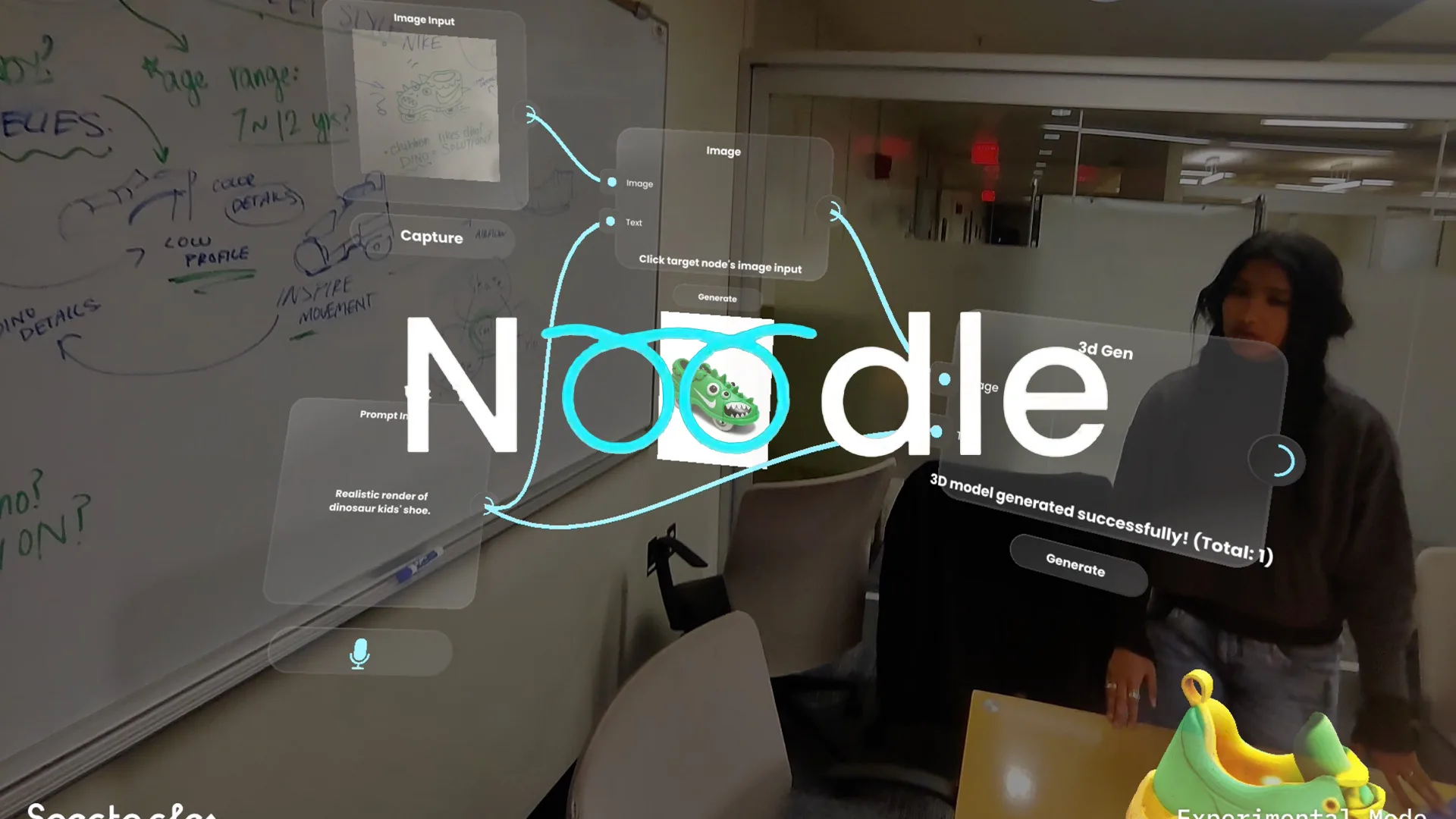
Spatial AI workbench

Hand-tracked game
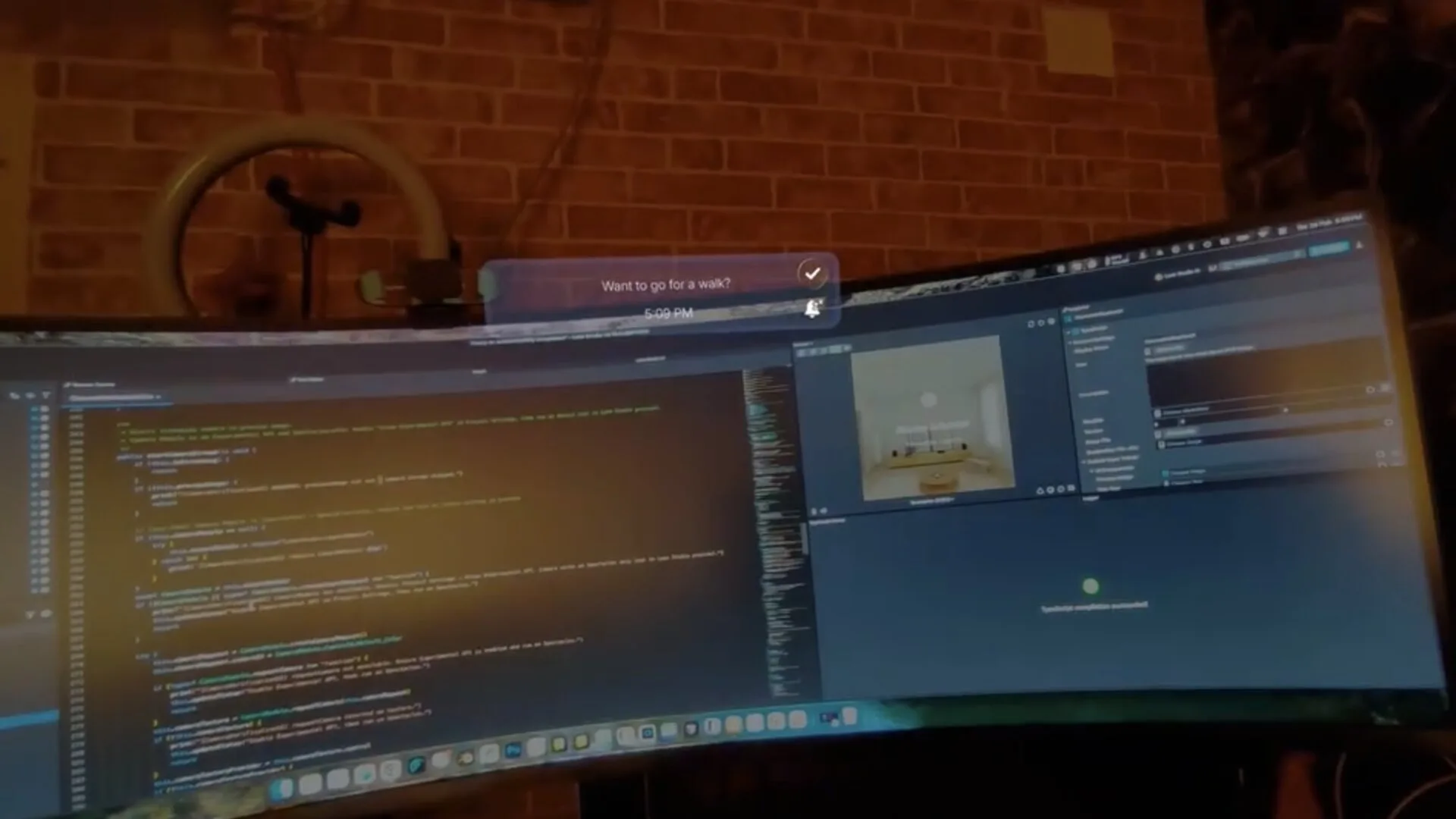
Glanceable time tool
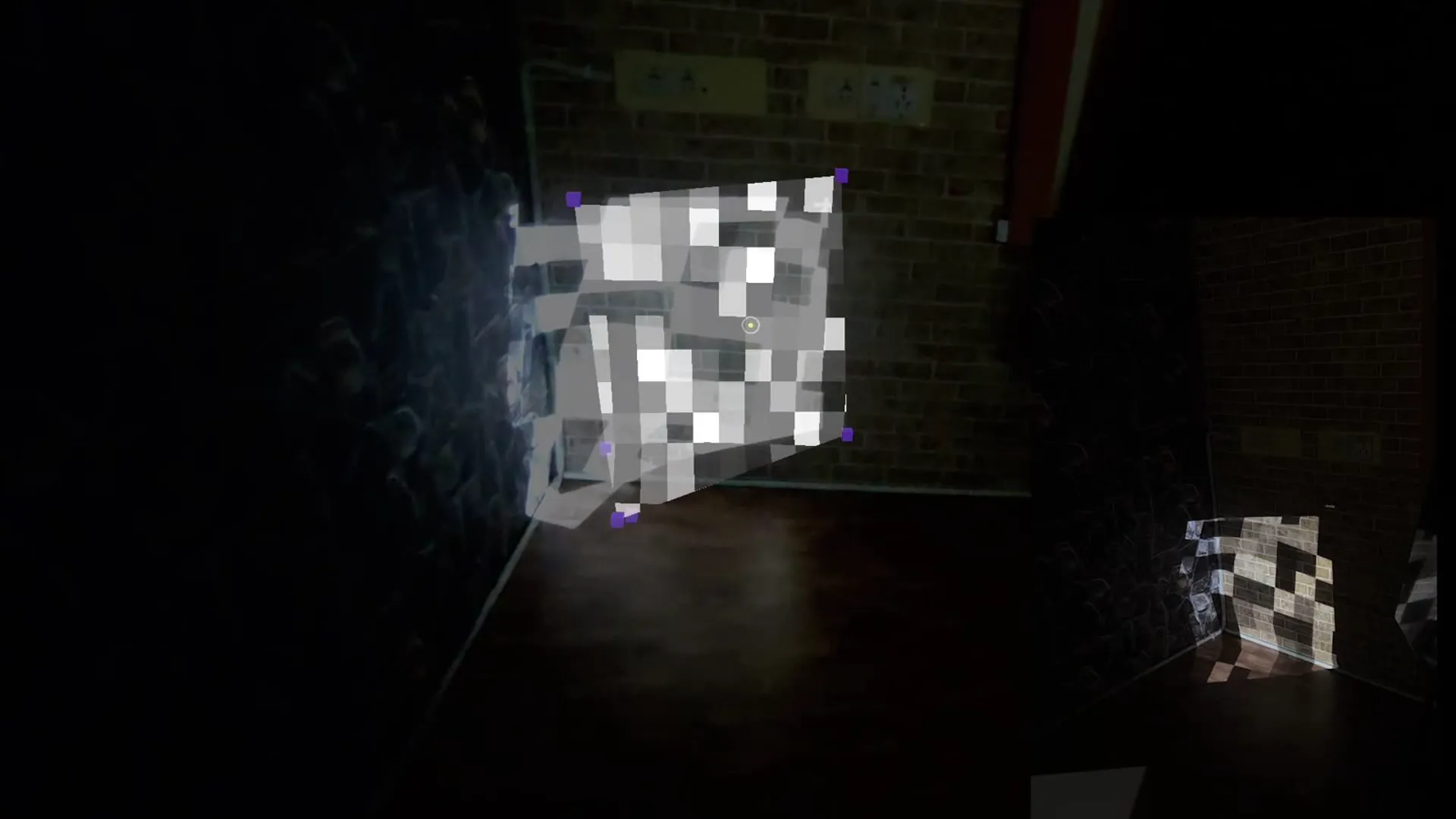
Room scanning
Tell us what you want in the wearer's view.
We'll tell you what it takes to build it.
Start a project
MIT Reality Hack 2026 winner on Snap Spectacles. Replies within 48 hours.
Quick answers
What is a smart glasses lens?
A lens is a small app that runs on a pair of smart glasses. When you open it, it draws pictures, text, or 3D objects into your field of view so they look like they are sitting in the room with you.
Is a lens the same thing as an app?
Close enough. A lens does the same job an app does on a phone: it is one experience you open, use, and close. The word lens comes from Snapchat, where camera experiences have been called lenses for years, and it carried over to Snap Spectacles.
What do you actually see when a lens is running?
Content floating in the room in front of you: labels and cards you can read, 3D objects resting on a real table or floor, buttons you can reach out and press. The real room stays fully visible behind all of it.
How do you control a lens with no screen to touch?
With your hands, your voice, and where you look. The glasses track your fingers, so you pinch or tap buttons in mid air. You can also speak to the lens, and it knows which item you are looking at.
Do you need a phone to run a lens?
Not for the experience itself. A lens runs on the glasses. A phone is usually only involved for setup, pairing, and installing new lenses.