In the space
Traced by hand,
thrown onto a real wall.
Video
Snap Spectacles
Click to play
 Snap Spectacles Community Challenge 2026
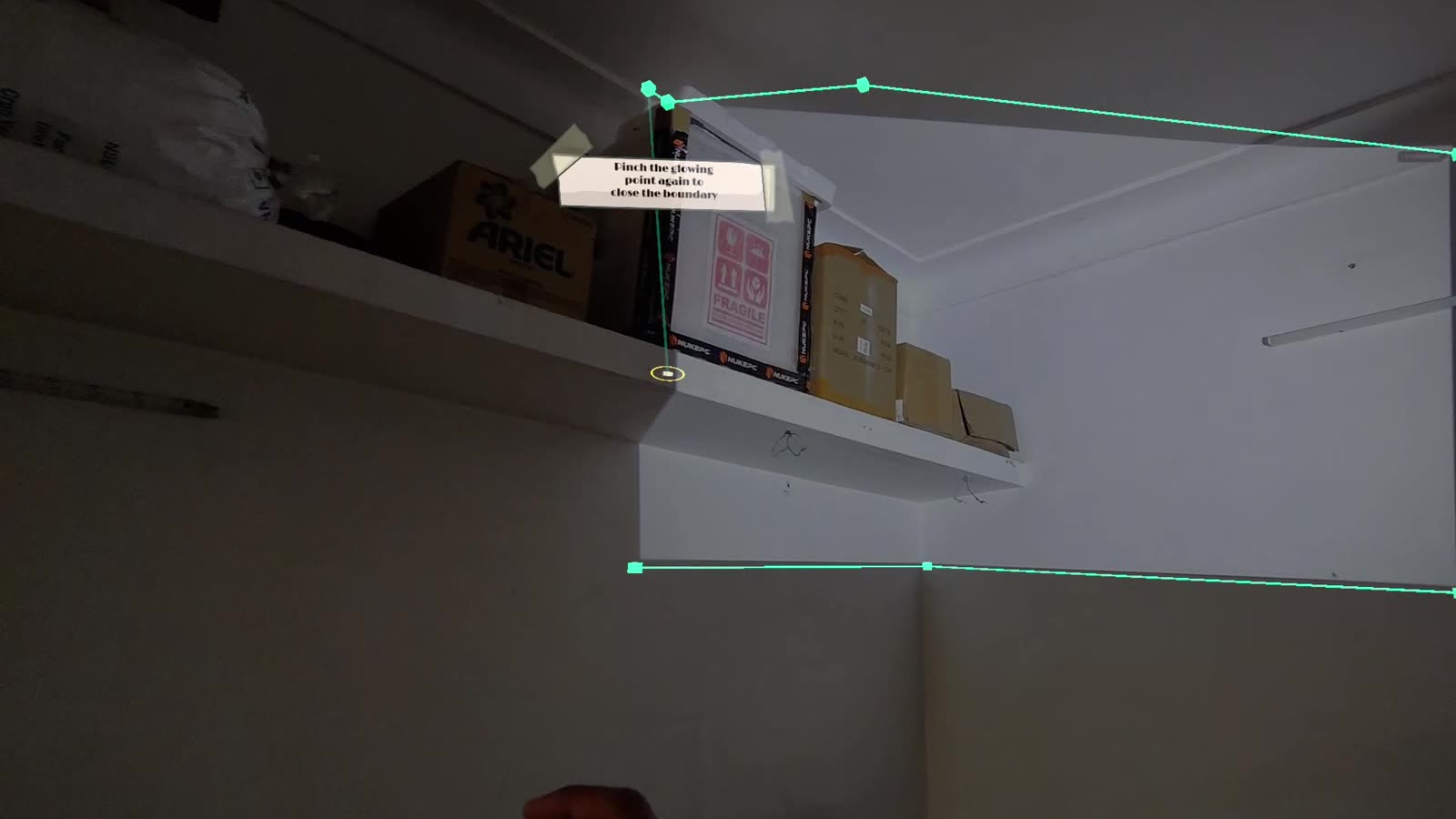
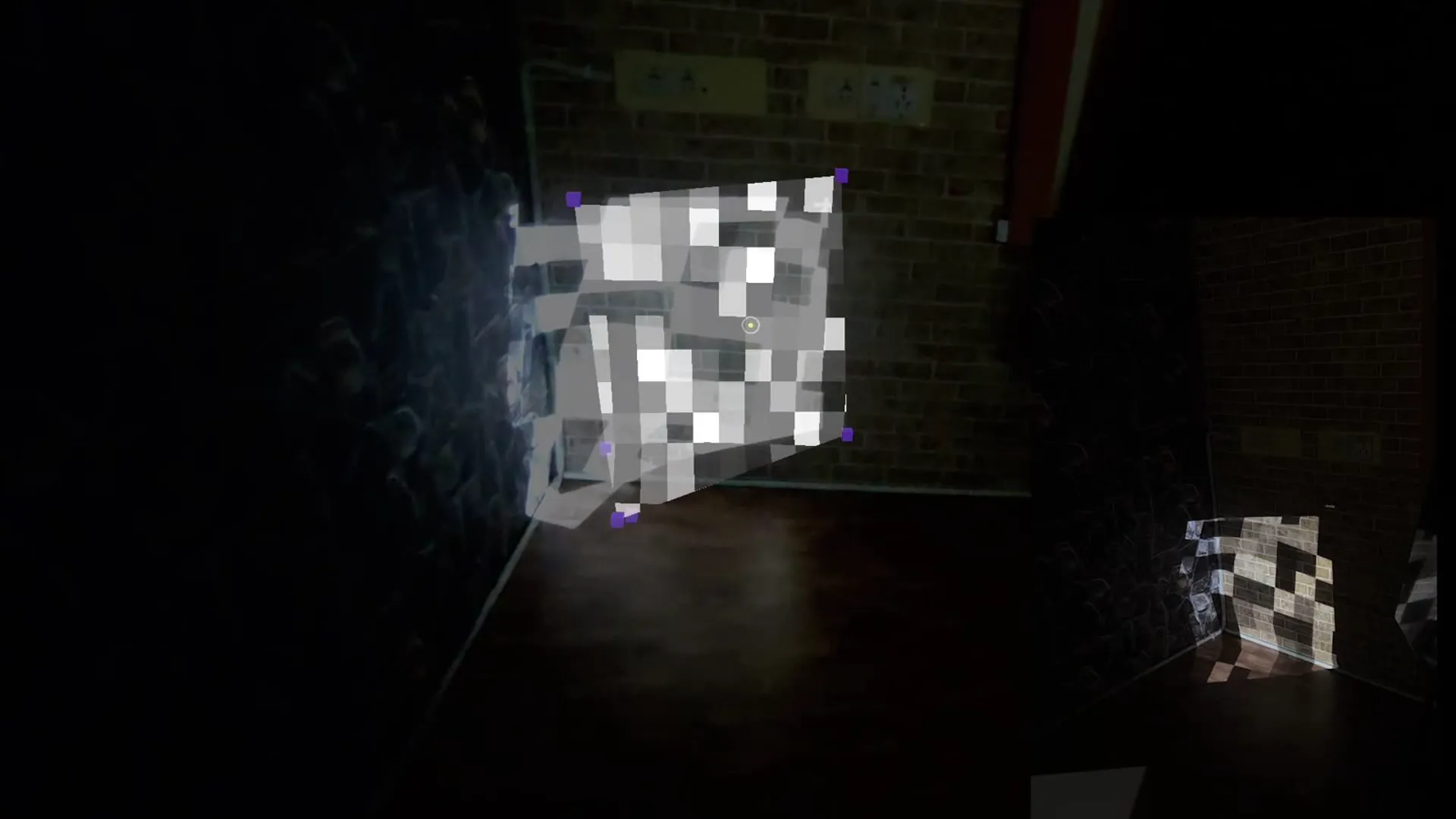
Projection mapping has always meant calibrating a projector's throw on a laptop, using a camera feed and a flat 2D screen, dragging control points to match a room you are not standing in front of. Snap Spectacles knows where the walls are and tracks hands precisely enough to register a pinch. So why is projection mapping still a laptop task?
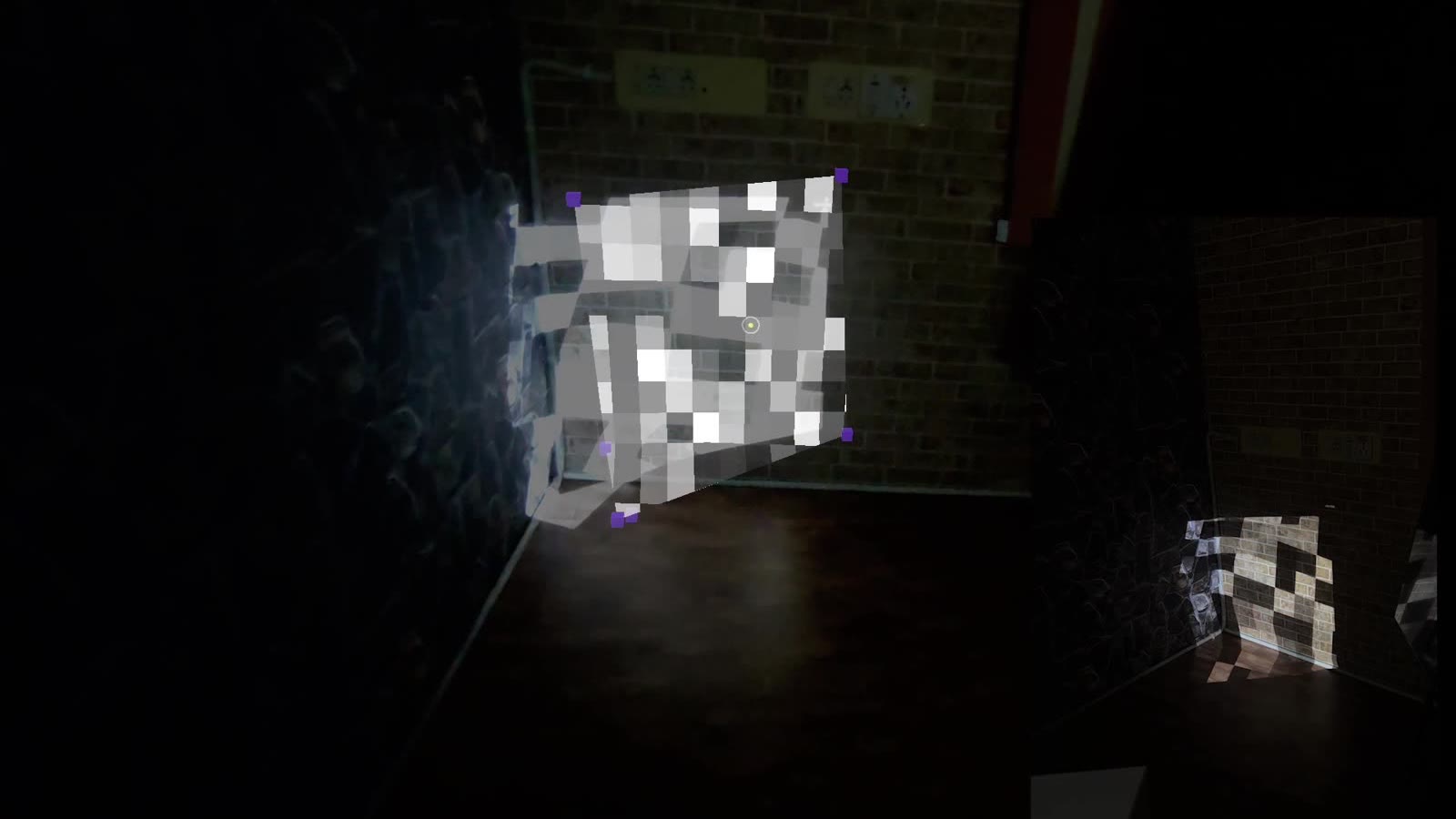
Spatial Mapper puts the whole workflow on your face instead. You wear the Spectacles while a real projector runs, trace where the light lands on the wall with a pinch gesture, one point per corner, then place shapes, planes, boxes, spheres, cylinders, or a custom polygon, and give each one a material: a built-in animated shader, a preset test pattern, or an uploaded image, video, GIF, or 3D model.
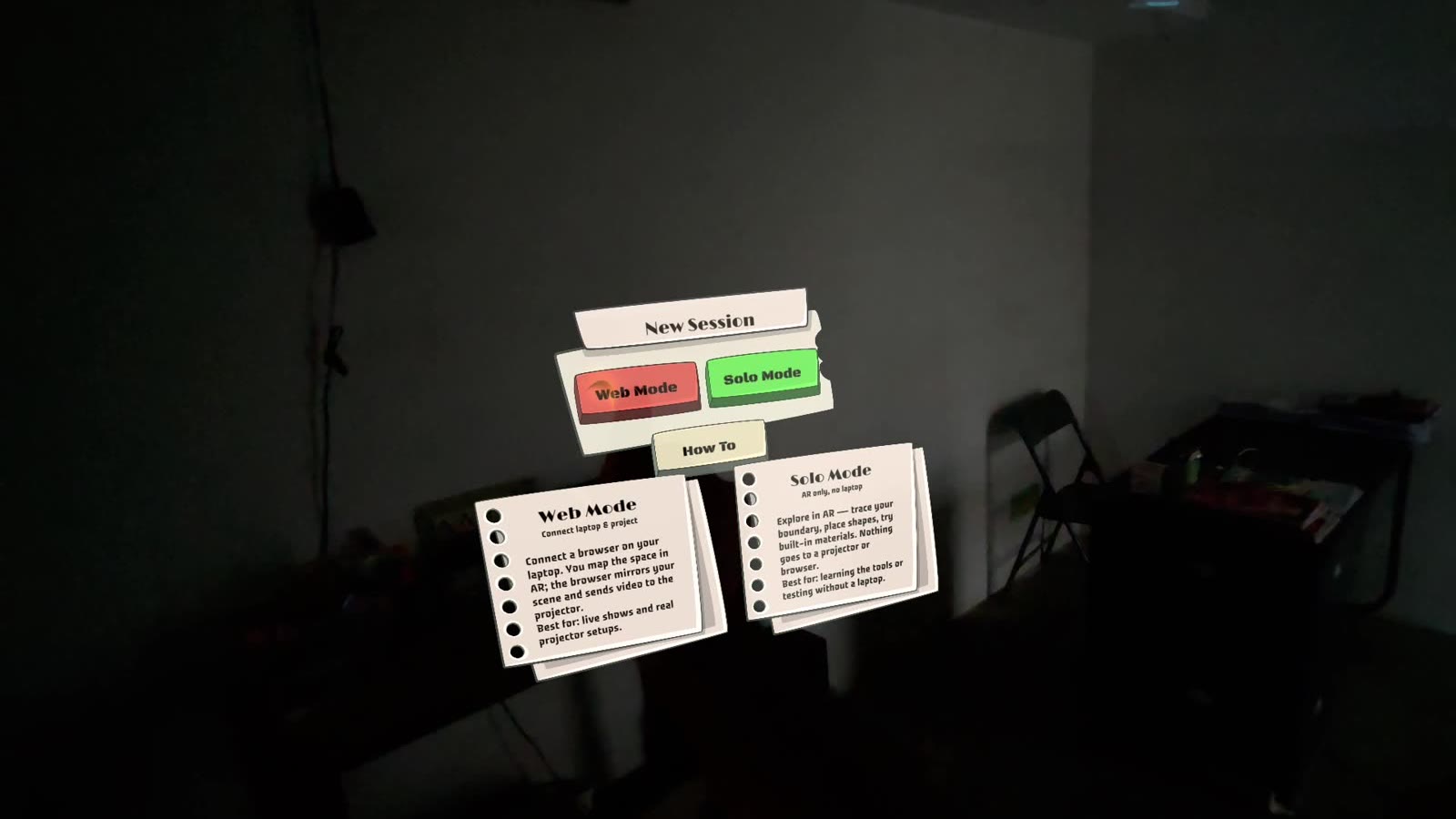
A browser companion app mirrors the scene live, lets you upload your own content, and drives the real projector's output. Web Mode and Solo Mode shipped together in V1 rather than staged separately, one for an actual install, one for learning the tool with no projector on hand.
Snap Spectacles Community Challenge 2026
Spatial Mapper is being finished as a standalone entry for the Spectacles Community Challenge. The core design loop, trace, place, material, project, works end to end and has been shown live on device. The remaining scope is session save and load, spatial anchors, and the Snap Cloud pairing and onboarding flow, the pieces that make a setup persist and let Web Mode work without a shared network.
We work with brands and platforms at the edge of spatial computing. Tell us what you're building.
Replies within 48 hours, straight from the studio.