AR that maps
the room, not
one picture.
In short: world tracking is how AR builds a live 3D understanding of an open space, a room, a table, a street, without needing a known image to recognise first, so digital content can be placed anywhere in it and stay locked there as you move. Drag the arrow to see the scan finish and the object lock in place.
It looks for flat surfaces first
Before anything gets placed, the device scans for planes, floors, tabletops, walls, and builds a rough mesh of each one.
This is not the same as locking onto one specific picture. That's called image tracking, and it needs an exact known image to work. See how image tracking works →
The anchor doesn't move, you do
Once content is anchored to a point in the map, the device keeps tracking its own position against that map, not the screen, so the anchor holds steady while you walk around it.
Where world tracking shows up
Same technique, three familiar uses.
Three real builds that map real space
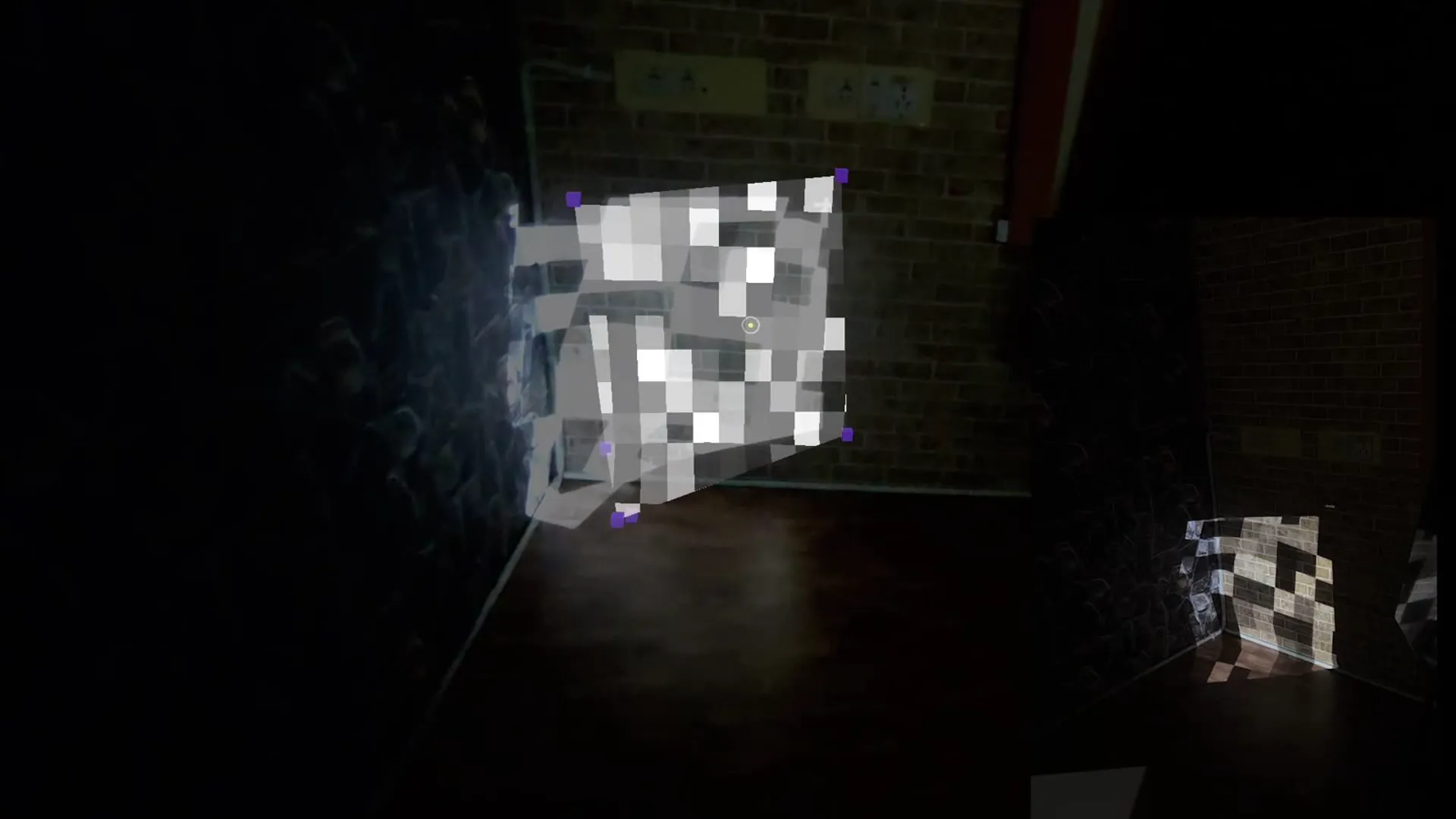
Projection design in real space
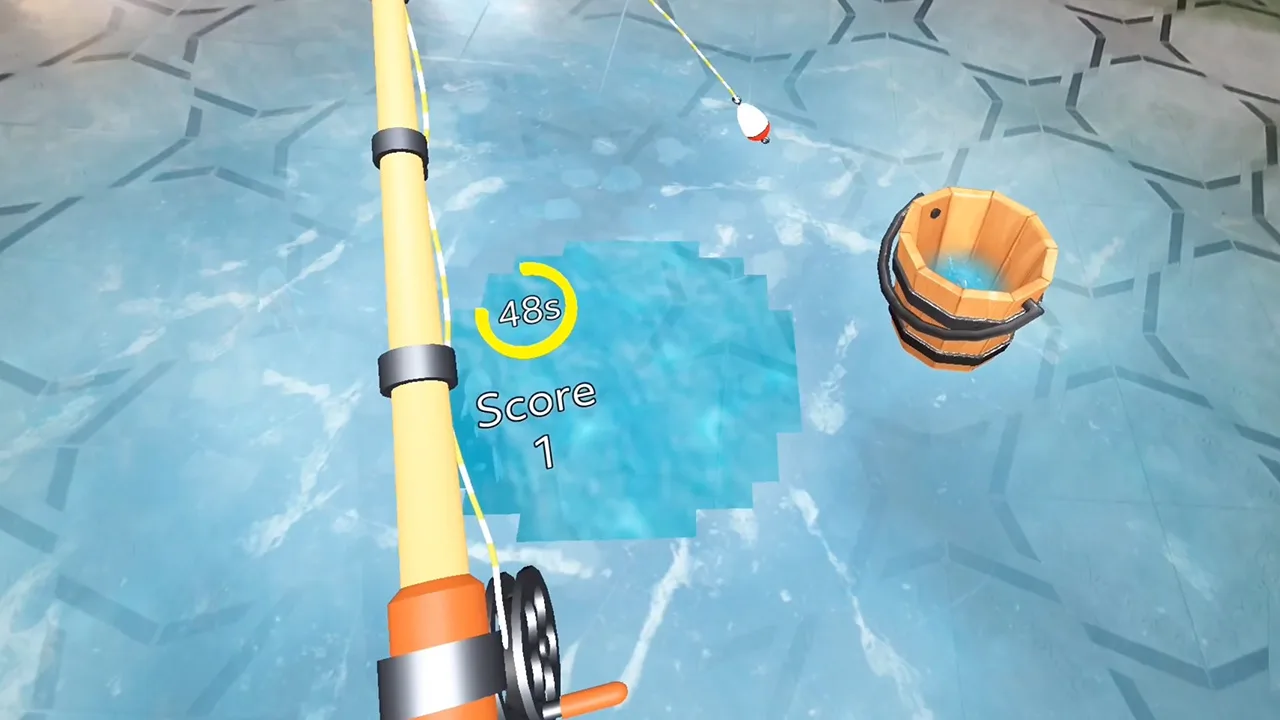
A frozen lake on your real floor
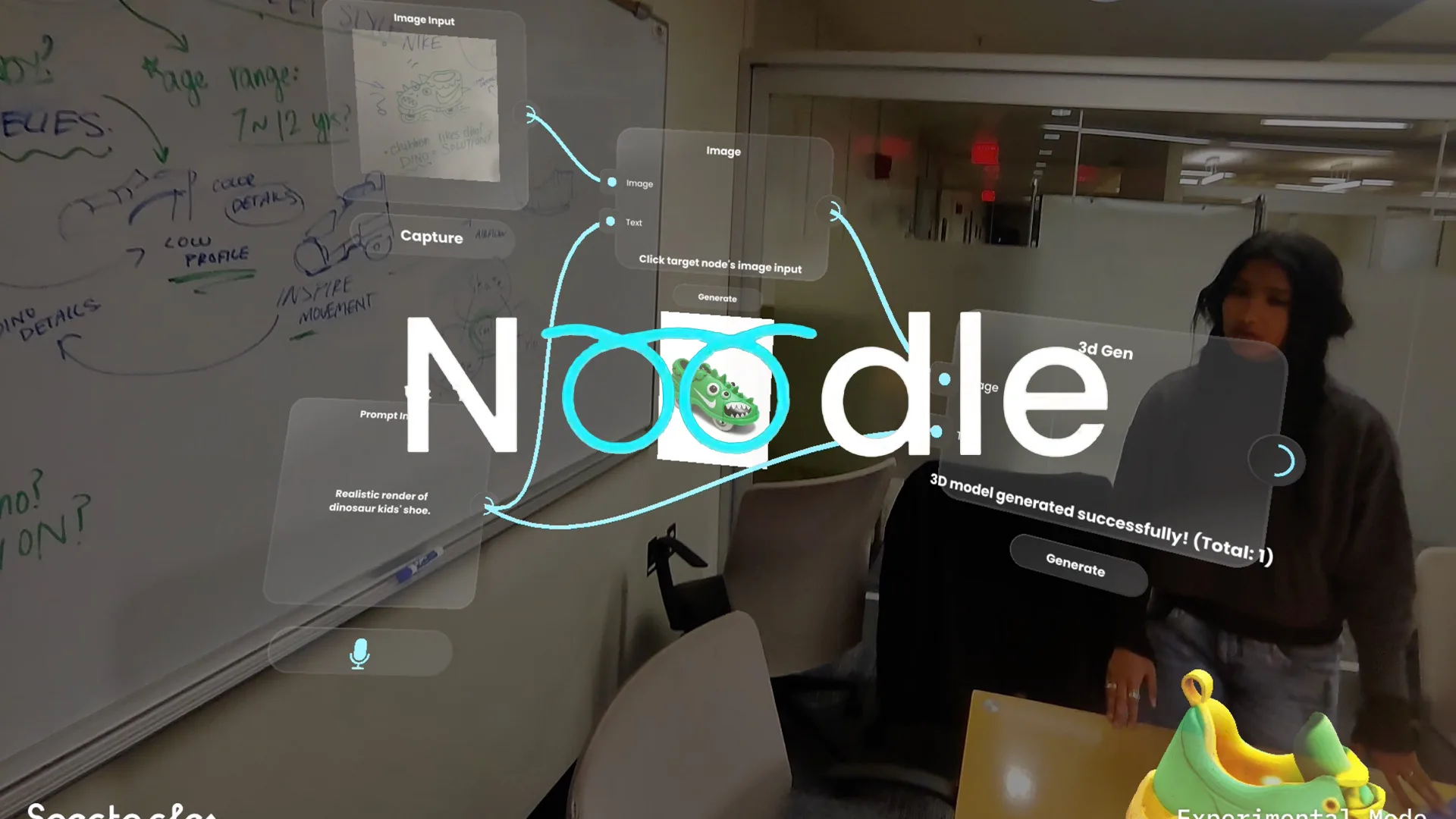
Spatial AI workbench
Tell us where you want content to live.
We'll tell you what it takes to anchor it there.
Start a project
6 years directing AR campaigns, official Snap & TikTok partner. Replies within 48 hours.
Quick answers
What is world tracking in AR?
World tracking is the technique AR software uses to build a live 3D map of an open space, a room, a table, a street, without needing a known image to recognise first. It uses a camera, and often depth sensors, to find surfaces and track how the device is moving relative to them.
Is world tracking the same as SLAM?
Yes. SLAM (simultaneous localisation and mapping) is the technical name for it. World tracking is the plain-English version: the device builds a map of the space while working out its own position inside that map, at the same time.
How is world tracking different from image tracking?
Image tracking locks content to one specific known picture, a poster or a product label, and needs that exact image to work. World tracking maps open space itself, so it works anywhere, a room, a table, a street, without anything pre-defined to scan.
Does world tracking need special hardware?
A single camera is enough for basic surface detection on most modern phones. Devices with depth sensors, like Snap Spectacles, map a room more precisely and can hold onto that map between sessions.
Why does the content stay in place as I move?
The anchor point is stored in the map of the space, not on the screen. As the device tracks its own position against that map, it recalculates where the anchored point should appear on screen, so the content looks fixed in the real world even though your viewpoint changed.