Your hand is
the button now.
In short: hand tracking uses a camera to follow the position of your fingers many times a second, so a pinch in mid-air works like a tap on a button. Tap below and watch it recognise the gesture.
About 20 points per hand
No gloves, no markers, no controller. Just a camera reading the shape of your hand, over and over.
Three things hands replace
Once a camera can see your fingers, your hand does what a mouse, touchscreen, or remote used to do.
Smart glasses have no touchscreen to tap. Hand tracking is why your hands can still be the input, not just voice. See the full picture at the wearable AR pillar page or read what is wearable AR.
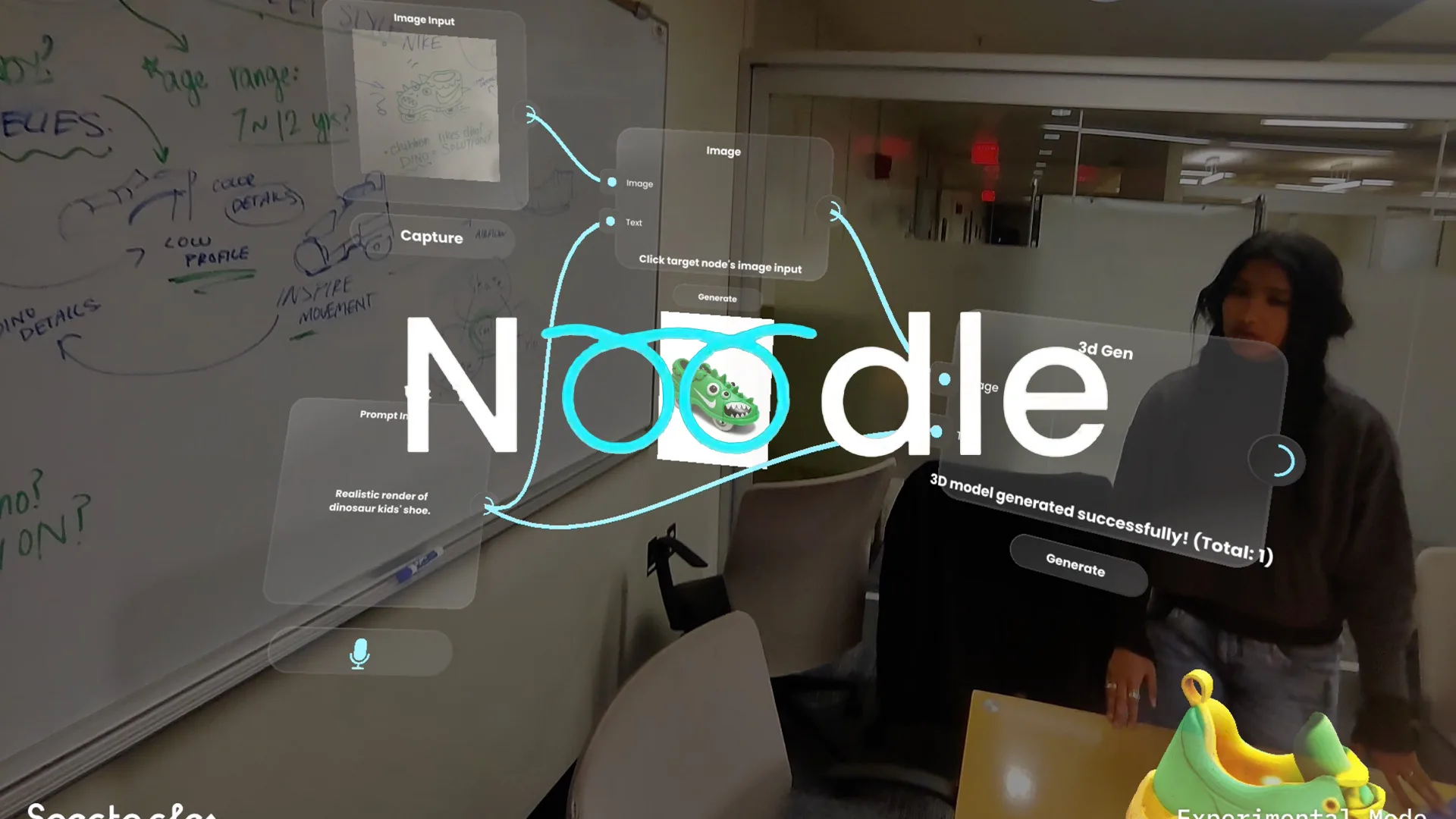
A workbench operated by hand alone
Designing an interaction with no touchscreen?
We'll help you get the gestures right.
Start a project
6 years directing AR campaigns, official Snap & TikTok partner. Replies within 48 hours.
Quick answers
Does hand tracking need me to wear anything?
No. It works from the built-in camera on smart glasses or a phone, reading the shape and position of your hand. No gloves, markers, or extra sensors.
How does hand tracking know I am pinching?
It watches the distance between your thumb tip and your index fingertip. When those two points get close enough, it counts as a pinch, the same way a tap counts as a click.
Why do smart glasses need hand tracking?
Smart glasses have no touchscreen. Hand tracking is the main way you tap, pinch, and point at what you see, usually paired with voice as a backup.
Does hand tracking work in low light or with your hands full?
It gets less reliable in poor light or when your hands are occupied, which is why most experiences pair it with a voice fallback instead of relying on hands alone.