What smart glasses actually show the wearer at a live event
A pair of display-capable smart glasses, worn at a live event, can deliver four distinct types of information in the wearer's field of view at the same time as they are watching the event itself.
- Translated subtitles in the wearer's language, generated in real time from the live speaker's audio feed
- Spatial wayfinding: directional arrows or location markers anchored to the physical environment, showing the wearer where to go next
- Branded overlays: logos, animated graphics, product information, or contextual content triggered by location or object
- Live event data: session schedules, speaker bios, product specs, or countdown timers, surfaced without the wearer pulling out a phone
None of these require the wearer to stop, look down, or interact with another device. The information arrives in the field of view and the wearer keeps looking at the room, the stage, or the product in front of them. That is the fundamental difference from every other information delivery mechanism at a live event.
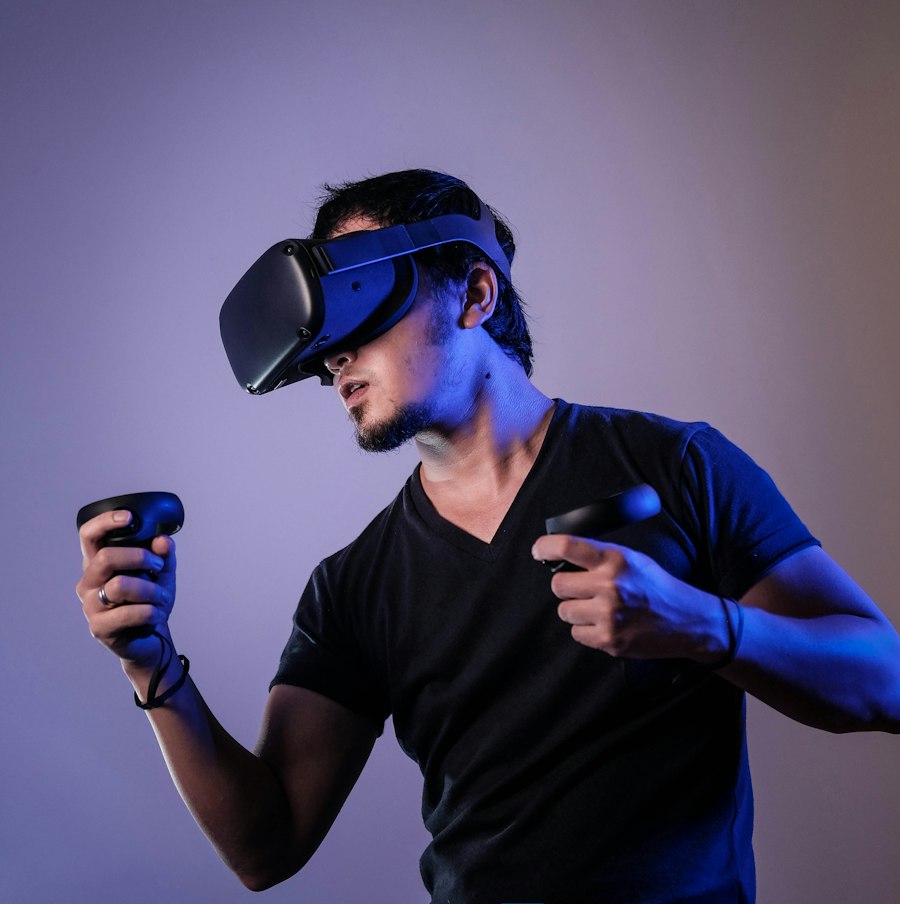
Why smart glasses beat handing out phones
The standard alternative for multilingual conference content or guided tour delivery is a phone or tablet: a device loaded with an app, or a headphone set with a separate screen. Both require the attendee to look away from the event to read or interact. Both require an app download or a device login step. Both add a second screen to the attendee's attention.
Smart glasses remove all three problems. There is no download step: the experience runs on the glasses. There is no second screen: the content appears in the same field of view as the event. There is no hand holding a device: both hands are free to take notes, hold a drink, or applaud.
For a speaker panel or product launch, the audience engagement difference is measurable. Attendees wearing smart glasses for translation or event information look at the stage more often than attendees consulting a phone. They react to moments in real time rather than half a second later, after they have finished reading. For conference formats and product launches where engagement and energy in the room matter, this is a functional advantage, not a novelty.
The five core wearable AR formats for live events covers the full scope of what smart glasses can deliver in a brand activation context, from spatial reveals to content capture.
Real-time translation at multilingual conferences and brand events
Translation via smart glasses works by connecting the glasses to a live speech-to-text pipeline, then routing the transcription through a machine translation API before rendering the output as subtitle text in the display. The wearer selects their language at the start of the session and receives the translated text as a reading overlay while the speaker continues live.
What accuracy looks like today
Current production-ready pipelines using services such as Google Speech-to-Text, Azure Cognitive Services, or OpenAI Whisper reach word-error rates of 5 to 10 percent on clear conference audio, which is accurate enough for professional use in most event contexts. Technical vocabulary or heavy accents can push error rates higher, and managing audio quality at the source is the single most important factor in translation accuracy.
Language pair coverage is broad. Major European language pairs, East Asian pairs (English-Japanese, English-Mandarin, English-Korean), and South Asian pairs (English-Hindi, English-Tamil) are production-reliable. Rarer language pairs are available but should be tested before committing to them for a high-stakes event.
Latency: what to expect
The translation pipeline adds 1.5 to 3 seconds of latency between what the speaker says and what appears in the wearer's glasses. This is comparable to a human interpreter on a slight delay and is acceptable for most conference and corporate event formats. It becomes more noticeable in fast-paced Q+A formats or comedy contexts where timing matters. For those formats, a faster local inference model running on the glasses or an edge device can reduce latency to under one second, at the cost of slightly lower accuracy.
Connectivity is non-negotiable. Translation pipelines stream via WiFi, and the glasses must maintain a reliable connection throughout the session. Event WiFi is frequently overloaded at large conferences, which means dedicated network infrastructure for the translation service is a production requirement, not a nice-to-have.

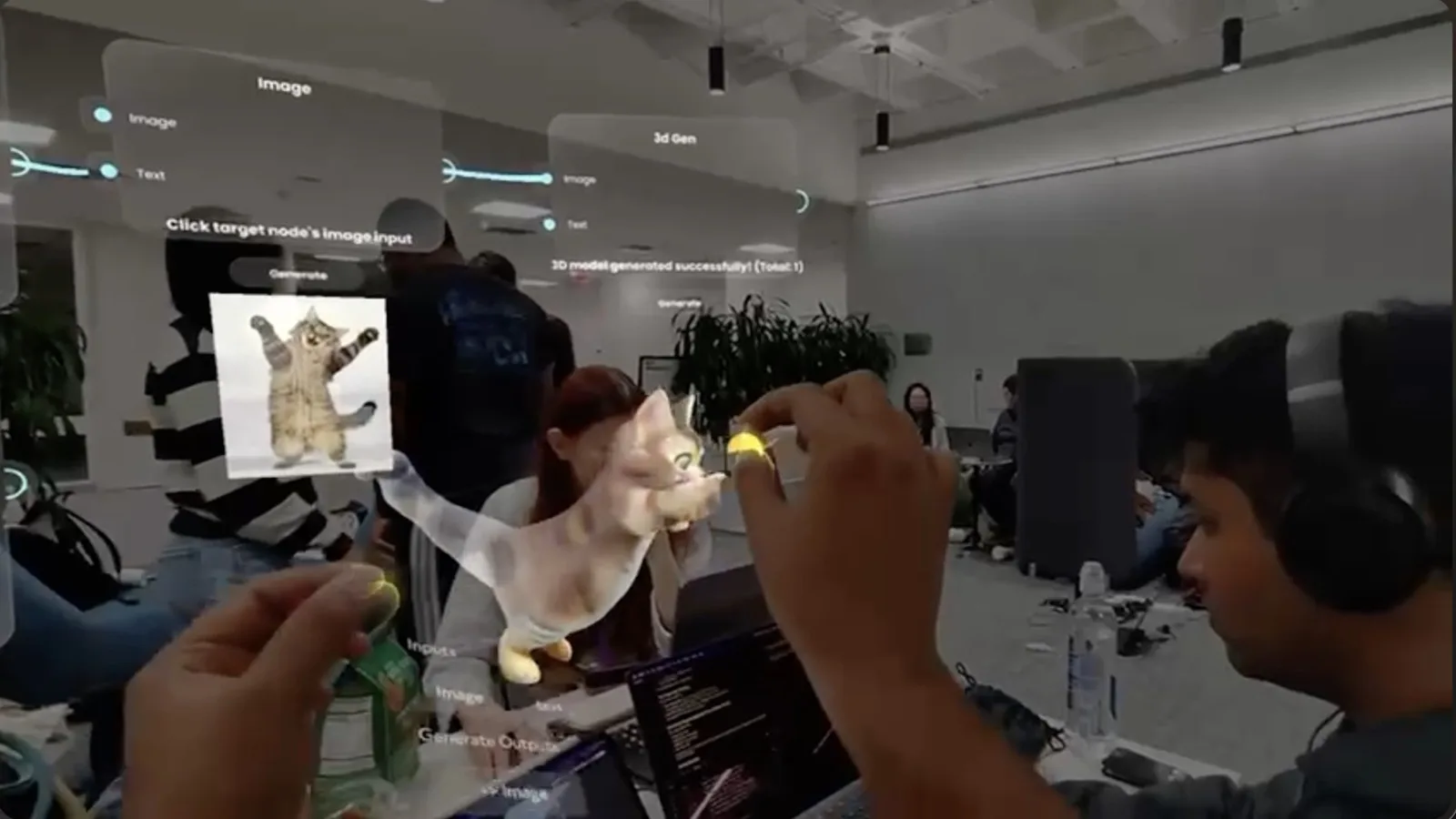
Guided tours: museums, brand experience centres, and trade show floors
A guided tour experience on smart glasses replaces the audio guide handset, the printed floor plan, and the QR-code trail. The wearer moves through the space and receives contextual information anchored to what they are looking at: a directional arrow when they reach a junction, a product description when they face a specific display, a brand story that plays out as they walk through a defined area.
How the content is triggered
There are two reliable triggering mechanisms for guided tour content on smart glasses.
The first is location-based: the glasses know the wearer's position within the mapped space and surface content based on proximity to defined hotspots. This works well for large floor plans with broadly spaced content zones, such as a trade show hall or a brand experience centre with distinct rooms.
The second is object recognition: the glasses identify a specific object, artwork, product, or installation in the wearer's field of view and surface the associated content. This is better suited for dense environments like museum galleries where multiple items of interest are close together and a simple proximity trigger would fire on the wrong object.
Both mechanisms require advance preparation: the space needs to be mapped and the content assigned to specific anchors before the event opens. Any significant change to the physical layout after the mapping session requires a rescan of the affected area.
What the guided tour format delivers for brands
For a brand experience centre or trade show stand, the guided tour format adds a layer of depth that a printed panel or a staff member standing next to a product cannot replicate. The wearer can access the level of detail they want, at the pace they want, without waiting for a human guide or decoding a small-print label. For products with technical complexity, the overlay format is particularly effective: the wearer looks at the product and sees the spec that is relevant to them, not a general brochure version.
For cultural institutions and heritage experiences, the smart glasses format preserves the physical environment in a way that traditional audio guides do not. The wearer is looking at the object, not at a screen beside it. The content layer sits in the same field of view as the thing it is describing, which changes the quality of attention in a way that is noticeable and repeatable.
For a detailed view of what wearable AR looks like in practice across brand environments, the wearables pillar page covers the full range of what RBKAVIN. Immersive Studio builds on display-capable glasses.

Live activations: branded overlays at product launches, concerts, and stadium events
A live activation on smart glasses is a timed experience designed for a specific moment in the event. The wearer puts on the glasses at a defined point, and a branded layer appears in the space at exactly that moment: a product that materialises above a physical surface, an animation that plays across a real stage or installation, a graphic that changes as the event progresses.
What an activation can show
Branded overlay activations can deliver spatial 3D objects anchored to specific surfaces, 2D graphics and titles floating in the field of view, animated sequences triggered by a live event cue (a countdown, a speaker's words, a musical moment), and interactive prompts that the wearer responds to by looking at a specific object or zone.
For product launches, the spatial reveal is the most common format: the product appears in the room, behaves as if it belongs there, and the wearer has a direct experience of seeing it in a context that no one else in the room can see without the glasses. For concerts and fan events, the activation typically adds a branded visual layer to the live performance, creating a mixed-reality overlay that is designed to be captured and shared as first-person social content.
You can see the kind of real-time visual layers that translate well to this format at ar.rbkavin.studio, the studio's live WebAR demo portal. The rendering capabilities shown there are the same foundation that powers smart glasses overlay experiences.
For event producers planning stadium or large venue activations, AR in stadiums: how sports venues are using augmented reality covers crowd-scale formats and sponsor integration patterns in detail.
How the audience triggers the activation
Triggers can be time-based (the experience starts at a set moment in the event schedule), location-based (the overlay appears when the wearer enters a defined zone), or cue-based (a staff member or a live system sends a signal that fires the experience across all paired glasses simultaneously). The cue-based trigger is the most powerful for launch moments, because every wearer sees the same thing at the same time: the room changes for all of them simultaneously, which creates a shared experience that audience members naturally want to describe to each other.
What event producers need to know before briefing
Most smart glasses event briefs fail in production not because the technology cannot do it, but because the practical constraints were not factored in at the planning stage. These are the questions to resolve before briefing a developer.
Platform choice
Display-capable glasses for event use currently include Snap Spectacles (full waveguide display, mature spatial SDK), Xreal Air 2 (tethered to a compute device, good display resolution), and emerging standalone options. Meta Ray-Ban glasses are not display-capable: they are suited for content capture and audio, not for visual overlays. Platform choice should follow from the format: translation and guided tours need a glasses display; social content capture can work with non-display glasses that have a first-person camera.
For a comparison of what different devices deliver, the how to brief a smart glasses developer guide covers platform selection in the context of a production brief.
Device supply and logistics
For a rotation-based activation (product launch, game, reveal), four to six pairs is a reliable starting point for events with up to 500 attendees in the activation zone. Each session runs three to five minutes and a staff member manages handoffs. For a translation service running across a full conference day, the device count equals the number of simultaneous wearers, which changes the scale of the logistics: you are managing a fleet with a charging station, a device steward, and a clear start-of-session handoff process.
Battery life varies by platform. Most display-capable smart glasses at full brightness run two to three hours on a single charge. For a full conference day, a rotation and recharge cycle needs to be built into the floor plan. Do not rely on a single charge per device for a six-hour event.
Setup time and environment preparation
Any experience that uses spatial anchors or location-based triggers needs the venue to be mapped in advance. Access to the venue during setup, not on the day, is a production requirement. The mapping session typically takes two to four hours for a moderate-size space. Changes to the physical layout after the mapping session require a rescan. For translation-only experiences that do not use spatial anchors, setup time is shorter but connectivity testing in the actual venue is still essential.
Connectivity
Translation pipelines, spatial data streaming, and live event triggers all depend on reliable WiFi. Event venue WiFi is frequently congested during peak hours. Budget for a dedicated access point or a bonded 4G router for the smart glasses network, separate from the general attendee WiFi. This is not optional for translation use cases where the connection must stay live throughout the session.