It doesn't move
by itself. Someone
poses it, twice.
In short: 3D animation is a set of poses recorded at key moments, and the computer smoothly fills in everything in between. In AR, those poses can be triggered by a tap or your movement instead of playing on a fixed timer. Tap the screen below.
Like stop-motion, but the computer draws the in-between pictures
An animator records a few key poses. The software calculates every frame in between on its own.
A film plays start to finish. AR animation waits for you
The recorded poses don't change, but what starts them does. Three common triggers.
A static logo sits there. A mascot notices you
Same brand, same 3D model. One difference: whether it moves when you show up.
Two real, animated examples
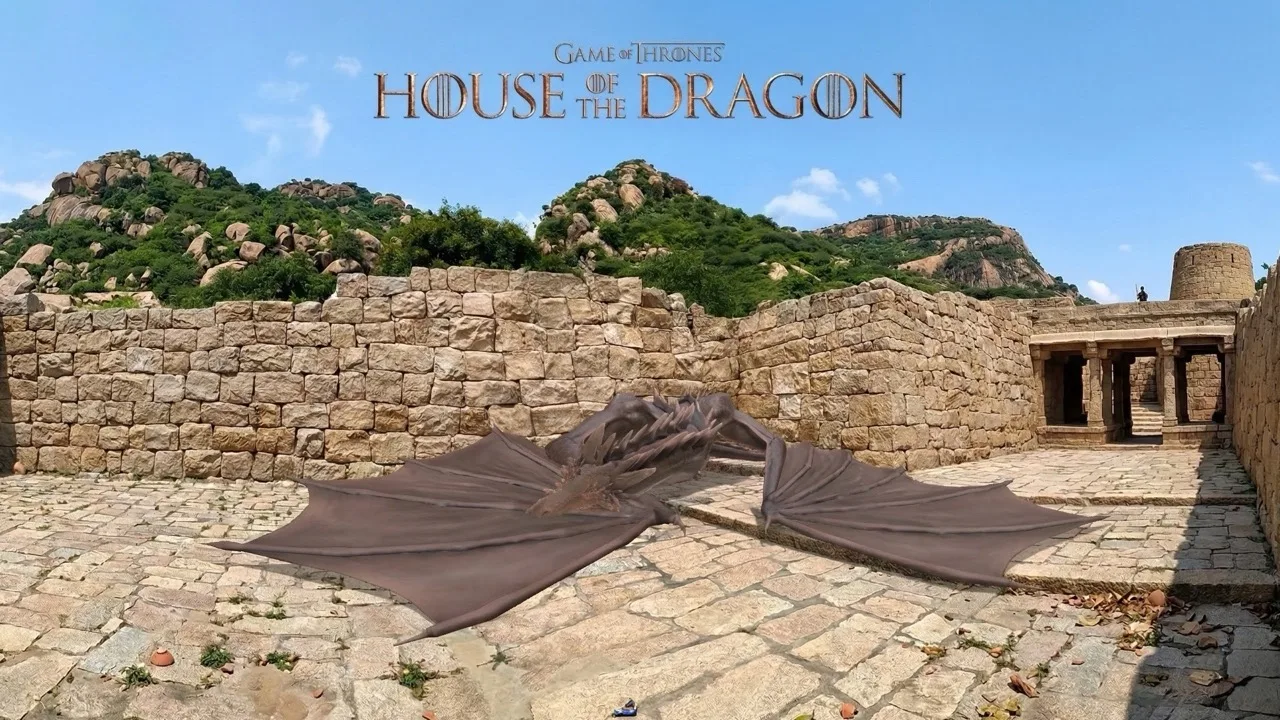
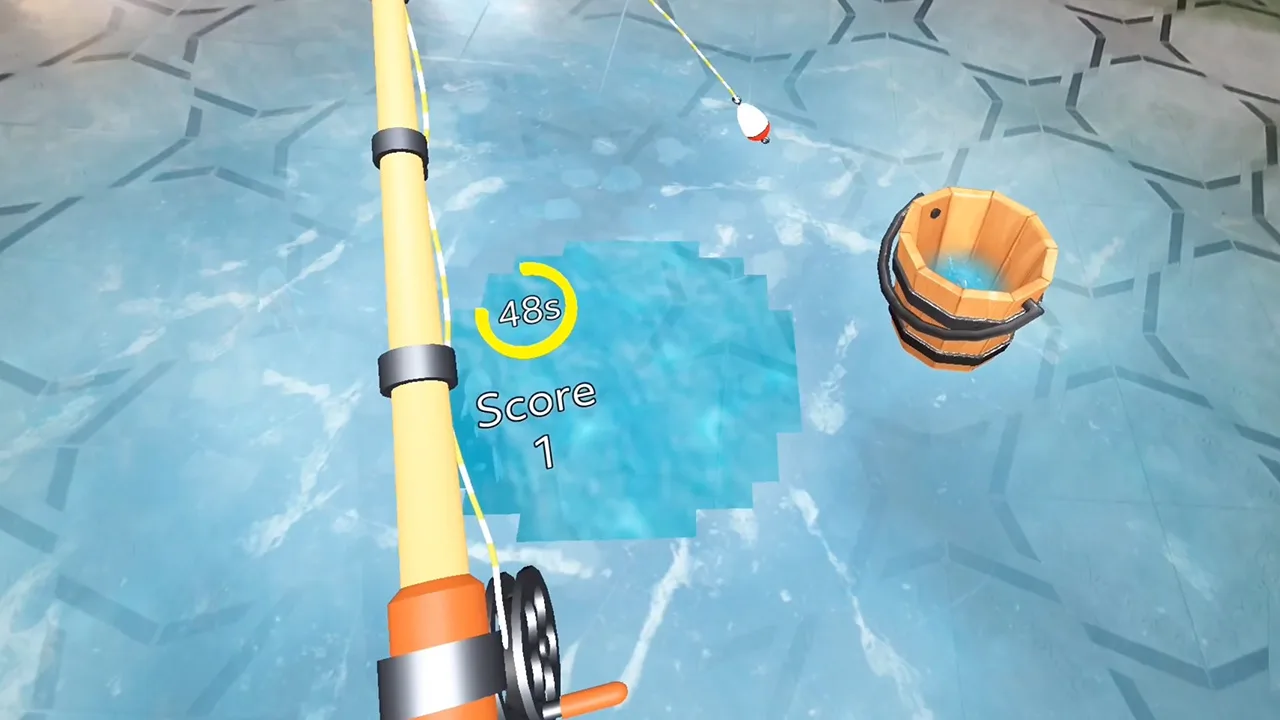
Tell us what you want your model to do.
We'll tell you what it takes to animate it.
Start a project
6 years directing AR campaigns, official Snap & TikTok partner. Replies within 48 hours.
Quick answers
What's the difference between a 3D model and 3D animation?
A 3D model is the static shape, the mesh, texture, and material. Animation is a separate layer on top: recorded poses that tell the same model how to move over time.
What is a keyframe?
A keyframe is a pose recorded at a specific point in time, like a crouch or a jump. The computer calculates every frame between two keyframes automatically, so the motion looks smooth without anyone drawing each step.
How is AR animation different from a movie?
A movie plays the same animation in the same order every time. In AR, animations are usually triggered by what you do, a tap, a gesture, or walking closer, so the same object can respond differently depending on the moment.
Do all AR objects need animation?
No. A static product or logo works fine anchored in place. Animation gets added when a brand wants the object to feel alive, noticing you, reacting to a tap, or transforming into something else.